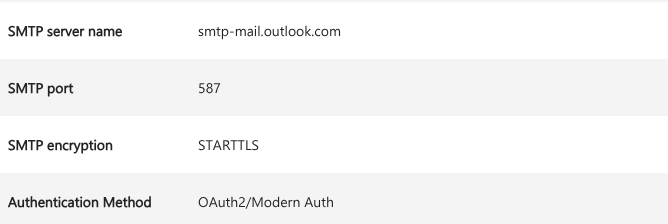
借助 SMTP, 我们可以很容易通过 git send-email 直接发送邮件.
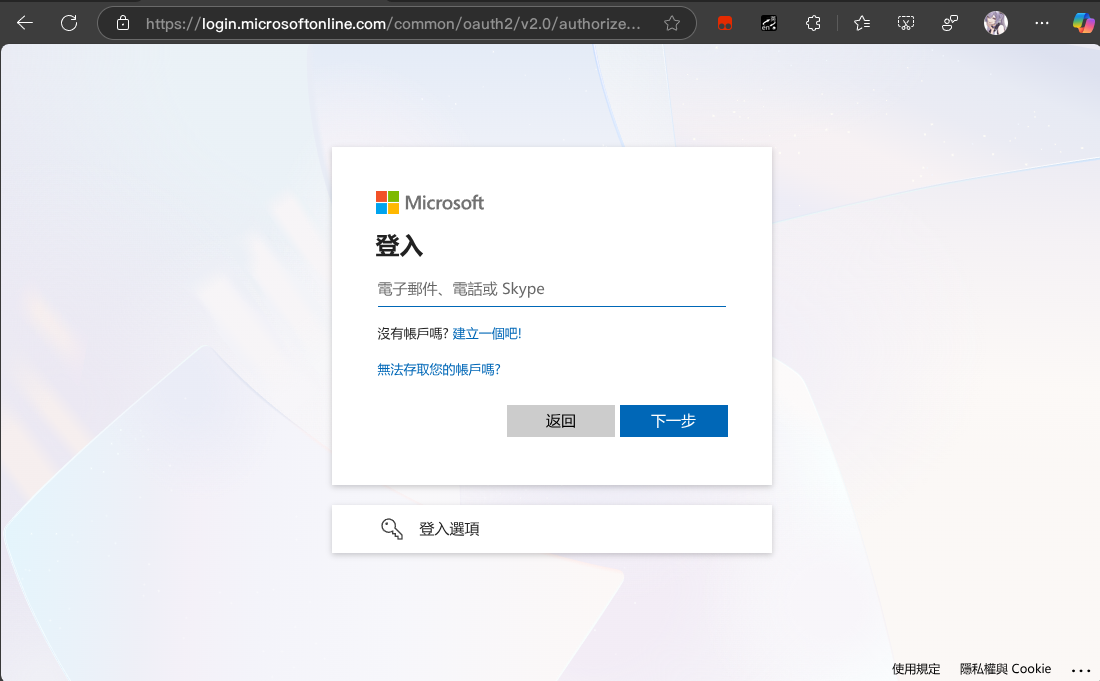
然而 Microsoft Outlook 为了安全性, 使用了更现代的 OAuth2 方法
然而, git 显然不支持这样的验证方式.
所以如果没有必须使用 Outlook 的需求或者某种强迫症,
请使用 Gmail.
配置 msmtp
为了使用 Outlook 的 SMTP, 我们先使用一个支持 OAuth2 的 SMTP Client:
msmtp.
修改~/.msmtprc:
1 2 3 4 5 6 7 8 9 10 11 12 13 14 15 16 17 18
# Default settings
defaults
auth           on
tls            on
tls_trust_file /etc/ssl/certs/ca-certificates.crt
logfile        ~/.msmtp.log

# Outlook account with OAuth2
account        outlook
host           smtp.office365.com
port           587
auth           xoauth2
from           [email protected]
user           [email protected]
passwordeval   ""

# Set default account
account default : outlook
OAuth2
作为已经吃过 Microsoft ADFS 这坨的人来说,
看见 OAuth2 还是有点莫名其妙的 ptsd :(
response_type
      REQUIRED.  Value MUST be set to "code".

client_id
      REQUIRED.  The client identifier as described in Section 2.2.

redirect_uri
      OPTIONAL.  As described in Section 3.1.2.

scope
      OPTIONAL.  The scope of the access request as described by
      Section 3.3.

state
      RECOMMENDED.  An opaque value used by the client to maintain
      state between the request and callback.  The authorization
      server includes this value when redirecting the user-agent back
      to the client.  The parameter SHOULD be used for preventing
      cross-site request forgery as described in Section 10.12.
grant_type
      REQUIRED.  Value MUST be set to "authorization_code".

code
      REQUIRED.  The authorization code received from the
      authorization server.

redirect_uri
      REQUIRED, if the "redirect_uri" parameter was included in the
      authorization request as described in Section 4.1.1, and their
      values MUST be identical.

client_id
      REQUIRED, if the client is not authenticating with the
      authorization server as described in Section 3.2.1.
grant_type
      REQUIRED.  Value MUST be set to "refresh_token".

refresh_token
      REQUIRED.  The refresh token issued to the client.

scope
      OPTIONAL.  The scope of the access request as described by
      Section 3.3.  The requested scope MUST NOT include any scope
      not originally granted by the resource owner, and if omitted is
      treated as equal to the scope originally granted by the
      resource owner.